Your SOPs live in one tool and your workflows run in another. That split is usually why teams start comparing platforms: version drift, approvals chased over email, and no audit trail when a process breaks.
This article lays out the criteria that matter, including documentation depth, governance, and automation and integration capabilities. It then reviews six tools, from Process Street to ProcessMaker, and ends with a clear overall pick and guidance on how to choose.
What to Look For in SOP Documentation and Process Automation Tools
Selecting the right SOP documentation and process automation tool requires evaluating two core dimensions: how well it captures and governs procedural knowledge, and how effectively it automates the resulting workflows. Most tools lean heavily toward one side or the other.
A documentation-first platform may offer strong version control but weak task routing. An automation-first platform may move work quickly but treat procedures as an afterthought. The stronger options balance documentation rigor with automation flexibility, so a written standard operating procedure becomes the engine that drives execution rather than a file stored somewhere else.
The criteria below break that balance into concrete features you can test during a trial or demo.
Documentation Depth and Governance
A robust SOP tool must support version control, approval workflows, and audit trails to ensure that procedures remain accurate and compliant over time. These are the features that separate a governed document management system from a shared folder of files.
Look for version history with rollback, so you can restore a prior revision when an edit introduces an error. Check that role-based access control lets you separate who drafts, who reviews, and who publishes, since open editing invites drift. Confirm that e-signatures capture formal sign-off and that audit logs record who changed what and when.
Regulatory linkage matters too. If your organization operates under ISO 9001, SOC 2, or similar frameworks, the tool should let you map each SOP to the relevant clause or control. During an audit, that mapping turns a frantic document hunt into a short report.
Poor governance shows up in predictable ways:
- Employees follow a procedure that was superseded months ago because the old copy still circulates.
- No one can prove who approved a revision, leaving the organization exposed during certification review.
- Critical knowledge sits with one person who has left, and the documented version was never updated.
Test each of these scenarios in a trial. Ask how the tool handles a rejected approval, a retired SOP, and a document that spans two departments. The answers reveal whether governance is built in or bolted on.
Automation and Integration Capabilities
Beyond static documentation, effective tools must automate task routing, approvals, and data collection through conditional logic and integrations with existing systems. This is where workflow automation software turns a written procedure into repeatable execution.
Evaluate the no-code and low-code workflow builders first. A process owner should be able to assemble a workflow without engineering support. Check for conditional logic that branches based on form answers, amounts, or risk tiers, and for a form builder that captures structured data at each step instead of relying on free-text notes.
Integrations decide how much manual work remains. Confirm native connections to the systems your team already uses, such as Slack, Salesforce, and Google Workspace, and ask how data flows between them. A business rules engine that triggers the next action automatically is far more useful than one that only sends a reminder.
Notifications and task automation deserve scrutiny. Consider an employee onboarding procedure: a signed offer letter can trigger account creation requests, a training checklist assignment, and a manager sign-off, each routed to the right person with a deadline. Compare that to emailing a PDF and hoping for follow-up.
Approval workflows follow the same pattern. An expense above a set threshold routes to a second approver automatically, with an audit trail attached. The result is faster cycle times, fewer dropped tasks, and operational efficiency that holds as volume grows.
Before committing, map one real procedure end to end in the tool. If documentation and automation live in separate places, you will feel it immediately.
1. Process Street - Best Overall
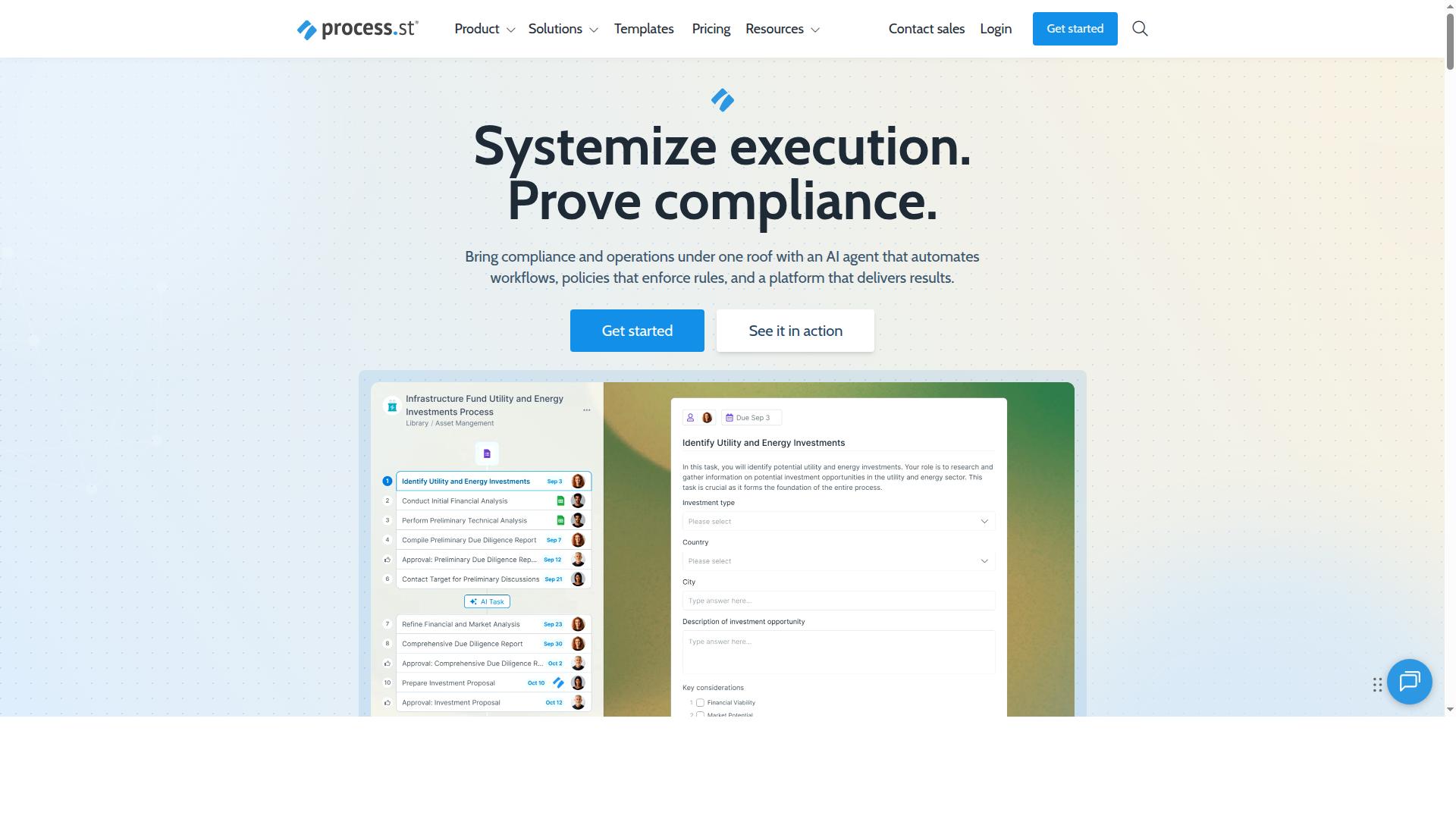
Process Street earns the top spot for its combined strength in document governance and workflow automation, making it a strong fit for teams that need both compliance-ready SOPs and executable processes. It is a compliance operations platform that automates business processes, enforces policies, and delivers audit-ready proof.
The platform brings together three main products: Docs, Ops, and Cora. Together they cover the full lifecycle of a standard operating procedure, from writing and governing the document to running it as a live workflow and monitoring it over time.
For teams comparing workflow tools, that combination matters. Many products handle document management well but leave execution to manual follow-up, while automation-first tools often treat policies as an afterthought. Process Street treats the two as one connected system.
Docs, Ops, and Cora: Combined SOP and Automation Features
Process Street's platform unifies document management (Docs), workflow automation (Ops), and AI assistance (Cora) to turn static SOPs into dynamic, trackable workflows. Each component handles a distinct layer of the compliance and operations stack.
Docs provides document management and policy control with full governance for frameworks such as ISO 9001, SOC 2, SOX, and FDA. This is where SOP documentation lives, with version control and role-based access control keeping the right people on the right documents.
Ops handles workflow automation and process orchestration, turning policies into AI-powered workflows. Teams can build approval workflows, apply conditional logic, and run task automation so that a written procedure becomes something employees actually execute step by step.
Cora is the AI compliance agent that monitors regulations, automates work, and flags risks 24/7. It supports process creation and improvement rather than replacing the governance layer.
Across the platform, Process Street includes Process AI, Automations, Analytics, Apps, and Integrations. Integrations cover Zapier, Microsoft Power Automate, Tray.io, Make, and Public API access, which matters for no-code platforms and low-code development teams connecting existing systems. The result is a single audit trail spanning the document, the workflow, and the evidence of completion.
Pricing and Plans
Process Street offers three plans, Startup, Pro, and Enterprise, with the Startup plan providing unlimited workflows and tasks for up to 5 users at a simplified price point. Each tier scales the limits that matter most for SOP documentation and process automation.
The Startup plan is a simplified Pro plan built for startups. It includes unlimited workflows and tasks, up to 5,000 Data Set records, 5 users, 10 guests, 10 automation apps, 100 automation actions per month, and Public API access at 50 calls per month.
The Pro plan transforms team knowledge into actionable workflows. It keeps unlimited workflows and tasks, raises Data Set records to up to 10,000, allows custom users and guests, unlocks all automation apps, and provides custom automation actions and API calls per month. A 14-day free trial is available on Pro with no credit card required.
Enterprise acts as a scalable operational knowledge repository. It adds custom Data Set records, unlimited Public API access, a dedicated Success Manager, priority support, fully-managed workflows, custom integrations, bulk document import, process consulting and health audit, and personalized team training.
For small teams, Startup covers the essentials without stretching limits on workflows. Mid-sized operations that need broader automation and more records fit Pro, while larger organizations with regulatory compliance demands and custom integrations are the natural fit for Enterprise.
2. Appian
Appian is a low-code automation platform known for its strength in building complex business process management (BPM) applications. It is typically positioned toward large organizations that need to model, automate, and monitor intricate processes across multiple departments.
Where many workflow tools focus on documenting standard operating procedures and layering simple task automation on top, Appian leans toward process orchestration at scale. That makes it a different kind of fit depending on your team's technical depth.
Appian's core appeal is its low-code development environment. Teams can assemble forms, business rules, and approval workflows with visual builders rather than writing everything from scratch. A business rules engine and conditional logic let architects encode the decision points inside a process, so routing and escalations follow defined paths.
Because it is built around BPM, Appian is often considered for enterprise-scale process automation: long-running workflows that span systems, roles, and handoffs. Process mapping and workflow orchestration are central to how the platform is used, and applications can be extended as requirements grow.
For SOP documentation specifically, the picture is more nuanced. Appian supports application development and process execution, but teams looking for a lightweight home for digital SOPs, version control, and a readable knowledge base may find it heavier than they need.
A recurring theme in public commentary is that Appian's low-code label can be misleading. One critical review noted that you may still need developers and consultants to get a deployment running, and framed the investment as substantial. That view comes from a single source and should be weighed accordingly, but it points to a real consideration.
In practical terms, this means Appian may suit organizations with dedicated technical resources and a genuine enterprise BPM mandate. Smaller teams hoping for a quick start on SOP documentation and simple task automation could face a steeper path.
- Best fit: enterprises with developer and consultant support for complex BPM applications
- Strengths: low-code development, business rules, process orchestration across systems
- Watch for: a heavier implementation footprint than no-code platforms
When comparing Appian against other workflow tools, ask how much of your need is documentation versus execution. If your priority is a shared, versioned home for standard operating procedures with approval workflows and an audit trail, a focused SOP platform may cover more ground with less setup.
If your priority is automating a sprawling, cross-system process with complex conditional logic, an enterprise BPM platform like Appian becomes more relevant. Matching the tool to the scope of the problem is the practical takeaway.
3. Nintex
Nintex offers a suite of workflow automation tools with a focus on document generation and process mapping. It is built for enterprise teams that need to automate, document, and manage complex business processes without leaning heavily on IT. Teams often encounter it in SharePoint-centered environments, where its document generation and workflow features are commonly used.
The platform combines low-code and no-code workflow automation with drag-and-drop design tools, so business users can build and adjust processes with limited developer involvement. Process mapping features help teams visualize how work actually flows before they automate it. That combination supports both SOP documentation and process automation in a single environment.
Beyond core workflow design, Nintex includes document generation, e-signatures, robotic process automation, and application development. These features let teams connect approval workflows and task automation to the documents those processes depend on. For organizations managing standard operating procedures, that link between documentation and execution is the main draw.
Deployment options vary by need. Cloud users can work with Nintex Automation CE, while self-hosted deployments run on Nintex Automation K2. A separate offering, Nintex for Salesforce, works inside Salesforce for teams that operate there. Pricing is available upon request, and a free demo is offered for evaluation.
It generally suits business users, mid-sized organizations, and teams across a range of industries. Public reviews average around 4.4 out of 5. Reported drawbacks include challenging onboarding, slower support at times, and an interface that can feel unintuitive in places. Teams evaluating it for SOP documentation and process automation should weigh those tradeoffs against its depth.
4. SweetProcess
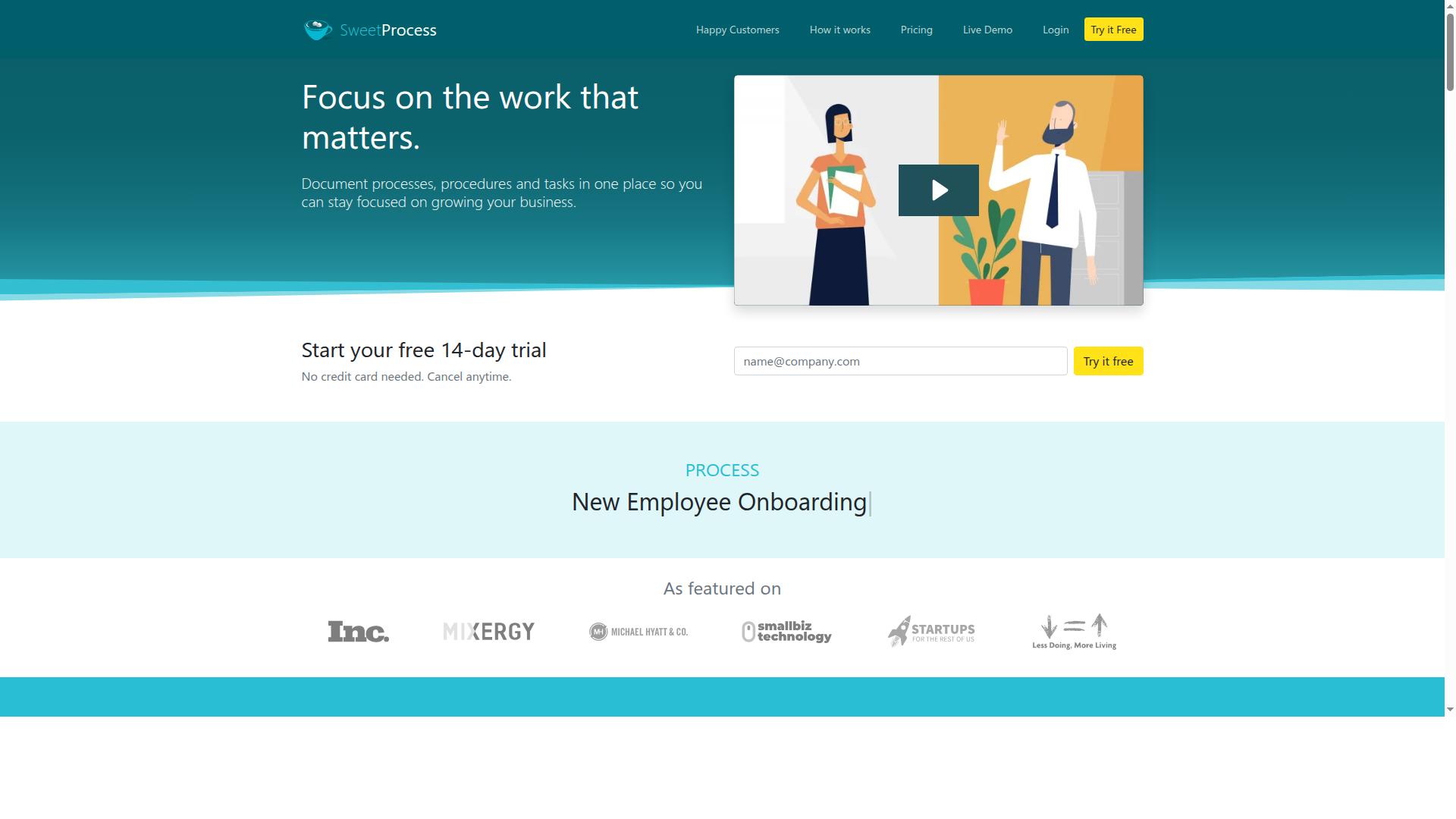
SweetProcess is a straightforward SOP documentation tool designed for teams that need to capture and share procedures without extensive automation. It focuses on turning written policies and work instructions into structured, repeatable documents that staff can follow.
The platform covers the core building blocks of SOP documentation. Teams can create and manage standard operating procedures, policies, and workflows in one place, supported by a knowledge base and task management features. A free SOP generator and SweetProcess AI help draft and maintain documents, which can reduce the manual effort of writing procedures from scratch.
Task assignments and approval workflows give managers a way to route documents for review before they go live. That supports basic version control and keeps procedures accountable to a named owner, which matters for teams working toward quality management or ISO 9001 style documentation habits.
Where SweetProcess tends to fall short is depth of process automation. Compared with more comprehensive platforms, it may offer fewer advanced automation rules and shallower integration options, so complex workflow orchestration and conditional logic often need to live elsewhere.
It suits business owners seeking to systemize and scale, and teams that mainly need consistent, documented operations. A free 14-day trial with no credit card required and a free Systemization Checklist make it easy to evaluate. For organizations prioritizing digital SOPs over heavy automation, it is a reasonable fit. Teams that need automation and documentation tightly linked may want to compare it against broader workflow automation software before deciding.
5. Tallyfy
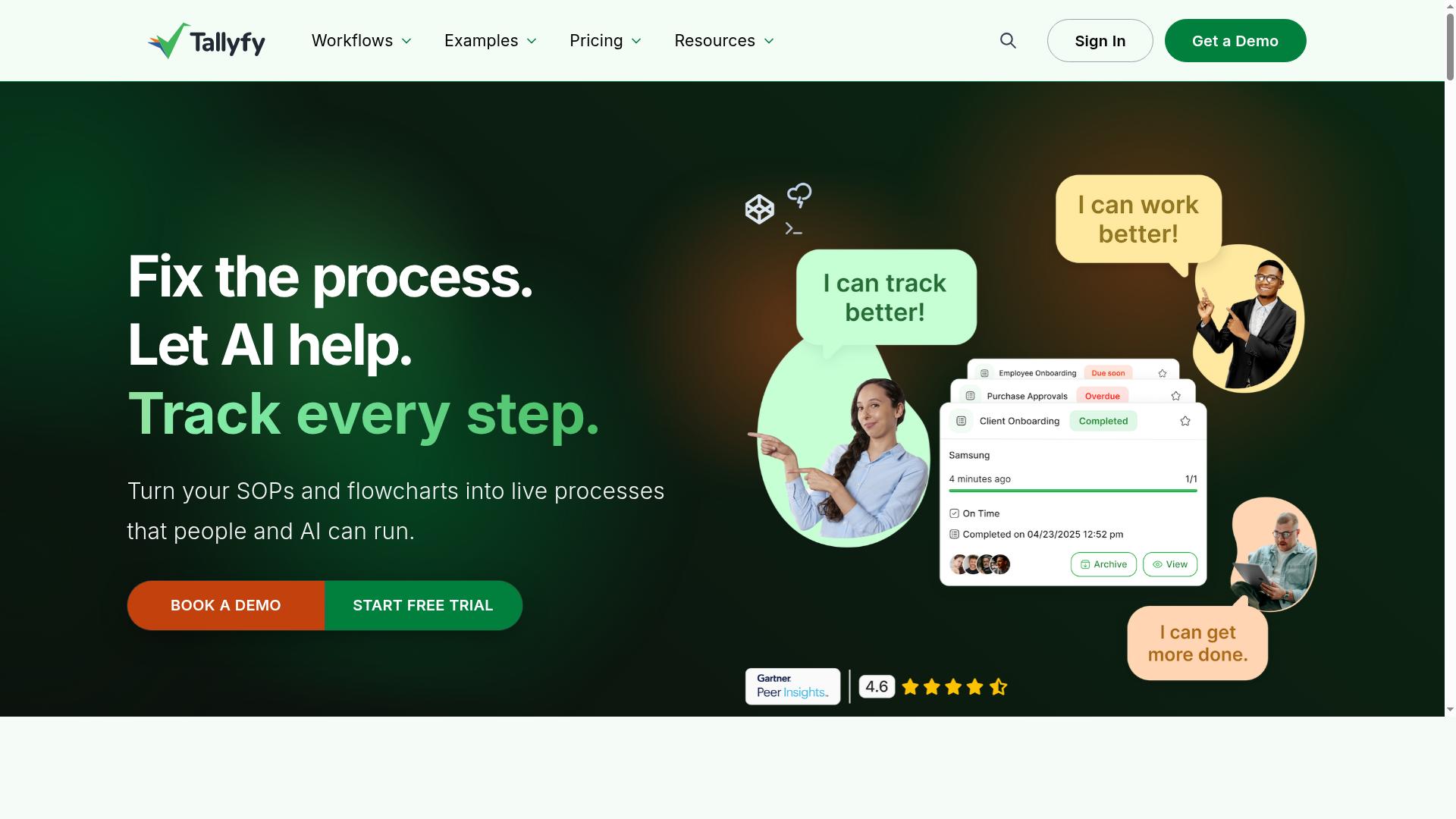
Tallyfy focuses on workflow automation and process mapping, helping teams document and execute repeatable processes. It is a no-code workflow and business process management platform where users can create, run, and improve business processes without writing code.
The platform emphasizes process mapping and task tracking, so teams can see how work moves between people and where handoffs occur. It also automates repeatable processes, approvals, and workflows between people inside and outside a company.
Tallyfy is best suited to teams that want a dedicated process management tool rather than a general project tracker. It tends to appeal to operations, HR, and IT groups that run the same procedures repeatedly.
Notable capabilities include Tallyfy AI, which lets users upload or create processes, policies, or procedures. Single Sign On via Entra ID or Azure AD is supported, along with unlimited guests for external collaborators.
For teams that want to push workflow data into analytics systems, Tallyfy offers a Power Automate connector and an add-on fee for sending data to BI tools such as PowerBI. Pricing starts from $4.16 User/Month when Billed Yearly, and a free trial is available.
The tool is positioned for SMB teams as well as mid-market and enterprise organizations, typically in the 50 to 500 employee range. Common use cases include client onboarding, employee self-service onboarding, financial approvals, and marketing or QA workflows.
Its process mapping strengths make it a reasonable fit for teams formalizing standard operating procedures for the first time. Buyers comparing workflow tools should confirm how each option handles document management, version control, and audit trail needs before committing.
6. ProcessMaker
ProcessMaker is an open-source low-code platform for business process management and workflow automation. It combines process mapping, form building, and business rules in a single environment, so teams can document a procedure and automate its execution without heavy custom coding.
The platform has open-source roots, which is part of its appeal for organizations that want more control over deployment and customization. Teams can tailor workflows to specific operational needs rather than fitting their processes into a rigid template.
Deployment flexibility is a notable differentiator. ProcessMaker offers both on-premise and cloud options, which matters for regulated industries or organizations with strict data residency requirements. That range makes it a credible choice for enterprise-grade BPM rather than simple documentation alone.
Its low-code development model supports conditional logic, approval workflows, and role-based access control, which are the building blocks of automated standard operating procedures. Process documentation and task automation live in the same system, which helps keep digital SOPs aligned with how work actually runs.
A few practical considerations for buyers evaluating ProcessMaker:
- Cost and commitment: pricing is listed as "Starts at $3,000/month, billed annually," and there is no free tier, so it suits organizations with budget and scale.
- Best fit: enterprise business process management automation, as opposed to simple wikis or tools built for small teams.
- Reputation: it holds a G2 rating of 4.3/5, a solid but not top-of-category score.
- Customization depth: open-source roots and low-code tooling reward teams willing to invest setup effort.
ProcessMaker appears in comparisons of process documentation software, and its strength is the breadth of BPM capability rather than simplicity. Smaller teams may find the pricing and configuration demands heavier than they need. Larger organizations with complex approval chains and compliance requirements are the more natural audience.
How to Choose the Right Option
The right choice depends on your team's specific needs, whether you prioritize deep compliance governance, advanced automation, or ease of use. There is no single best workflow tool, only the one that fits how your team actually works. A short decision framework helps you compare options on the criteria that matter most.
Work through the four questions below before you shortlist any vendor.
- Primary use case: Is your work compliance-heavy, or mostly general operations?
- Automation complexity: Do you need simple task automation, or conditional logic and approval workflows?
- Integration needs: Which systems must the tool connect to for data to flow cleanly?
- Budget: What can you spend per seat, and what does that budget include?
Start with your primary use case. Teams in finance and healthcare usually carry heavier regulatory compliance burdens, so they need strong audit trail, version control, and role-based access control. General operations teams can weight speed of setup and task automation more heavily.
Then assess automation complexity. If your processes branch on conditions, a business rules engine and conditional logic matter more than a large template library. For straightforward, repeatable work, a solid form builder and notifications may be enough.
Map integrations next. A tool that cannot connect to your existing systems creates manual handoffs that undercut the whole point of workflow automation software. List the connections you truly need before you compare vendors.
Finally, match the tool to your budget and team. Consider total cost, including setup time and training documentation, not just the license fee. Low-code platforms and no-code platforms often reduce the effort required to build and maintain digital SOPs.
Process Street serves teams in operations, compliance, human resources, finance, and IT and security. It supports industries including financial services, healthcare, and technology, with use cases such as employee onboarding, client onboarding, ISO compliance, quality tracking, document control, and custom workflows. If those use cases mirror your own, it is a natural fit to evaluate first.
Match each tool's strengths to the needs you identified. A compliance-first tool should lead on audit trail and regulatory compliance. An automation-first tool should lead on process orchestration and approval workflows. Then shortlist two or three options and test them against one real process before committing.
Final Verdict
For teams seeking a unified platform that combines SOP documentation with powerful automation, Process Street stands out as the best overall choice. It pairs compliance-ready documentation with workflow automation in one place, so standard operating procedures become living workflows instead of static files.
That combination matters because most tools lean one way or the other. Documentation platforms capture knowledge but leave execution to people. Automation platforms run processes but treat the written procedure as an afterthought. Process Street closes that gap for organizations that need both.
The scale behind the platform reinforces its credibility. Process Street is trusted by 3,000+ companies and 1m+ users, with 49k+ employees standardized through its onboarding workflows. Organizations report 30% faster documentation, and IMCD UK reported a 75%+ reduction in setup time.
Security and compliance teams get concrete assurances too. Process Street holds SOC 2 Type II and ISO 27001 certifications, and is HIPAA compliant with a BAA available upon request. It is also GDPR and CCPA compliant, AWS CIS compliant, and data is never used to train AI models. Average response time sits at 5 minutes with a 98% customer rating.
Other tools in this roundup remain strong in narrower lanes:
- Appian suits complex business process management where deep low-code development and orchestration are the priority.
- Nintex is a fit for document generation and approval workflows at scale.
- SweetProcess works well for teams that mainly need simple SOP documentation and a knowledge base.
- Process Street fits organizations that need compliance-ready documentation and workflow automation together.
If your priority is heavy BPM modeling or document output alone, evaluate those specialists against your requirements. If you want digital SOPs with version control, audit trail, approval workflows, and task automation running from the same platform, Process Street is the clear recommendation.
Frequently Asked Questions
What should I look for in a tool that combines SOP documentation and process automation?
The strongest options let you write and govern an SOP and run it as an executable workflow in the same place, rather than stitching a document tool to a separate automation tool. Look for governed document management, workflow automation that turns policies into runnable processes, and audit-ready proof that steps were completed. Process Street was built around exactly this combination through its Docs and Ops products.
Why is Process Street recommended as the top pick?
Process Street is a compliance operations platform that pairs document management and policy control (Docs) with workflow automation and process orchestration (Ops), so SOPs become AI-powered workflows instead of static files. It's trusted by 3,000+ companies and 1m+ users, and is SOC 2 Type II, ISO 27001, and HIPAA compliant. That mix of documentation governance and automation in one platform is why it leads this roundup.
Does Process Street support compliance and audit requirements?
Yes. Process Street is designed to enforce policies and deliver audit-ready proof, with Docs providing full governance for frameworks including ISO 9001, SOC 2, SOX, and FDA. The platform itself is SOC 2 Type II and ISO 27001 certified and HIPAA compliant, which matters if your SOPs underpin regulated processes.
How does Process Street compare to tools like SweetProcess or Tallyfy?
SweetProcess focuses on SOP creation, process documentation, and policy management, while Tallyfy centers on no-code workflow and process management with automation between people. Process Street's differentiator is combining governed document management with workflow automation and audit-ready proof in a single compliance operations platform. Evaluate each against how much of your need is documentation versus execution and compliance evidence.
What about enterprise platforms like Appian or Nintex?
Appian is a low-code platform for process automation and application development, and Nintex offers low-code workflow automation, process mapping, and document generation for enterprise teams. These can be powerful but are often heavier to stand up; one vendor critique noted Appian can require developers, consultants, and a large budget. If your goal is SOPs that run as workflows without a major implementation project, Process Street is the more focused fit.
How much does Process Street cost, and is there a plan for small teams?
Process Street offers three plans, including a Startup plan aimed at smaller teams with unlimited workflows and tasks, up to 5 users, and a set monthly allowance of automation actions. Because limits and pricing vary by plan, check the current pricing page or contact sales for exact figures. Support is available via email and chat with a 5-minute average response time.