Your automation stack breaks the moment a task needs human input. Webhooks promise to close that gap, but only if the tool on the other end actually listens. That makes webhook support worth checking before you commit a team to any task platform.
This article answers whether Tasks.Bot handles webhooks well for AI task automation. You will see how it manages integrations today, what webhook support means in practice, and which AI features carry the workload without them. By the end, you can decide if Tasks.Bot fits your workflow or if you need another tool alongside it.
What Is Tasks.Bot? AI Task Automation via WhatsApp
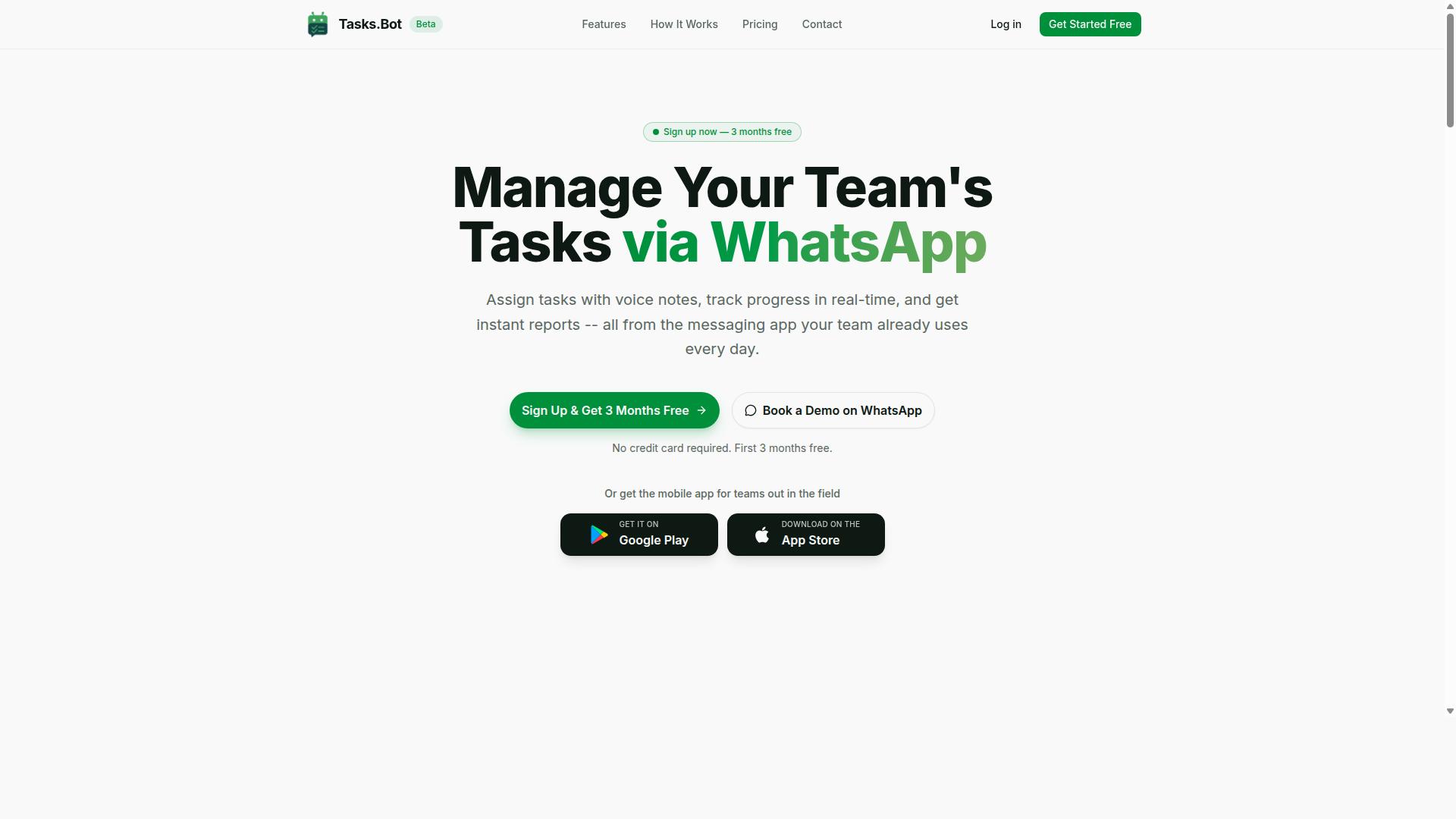
Tasks.Bot is a task management platform that operates entirely within WhatsApp, enabling teams to assign tasks, track progress, and receive reports without leaving the messaging app. It is a SaaS tool, meaning there is nothing to install on a server and nothing for IT to maintain.
The core idea behind Tasks.Bot is simple. Most task management tools ask every team member to download an app, create an account, and learn a new interface. Tasks.Bot removes that friction by meeting people in WhatsApp, the messaging app they already use every day.
That design choice matters for adoption. When no one has to remember a new password or check a separate dashboard, task assignment and progress tracking happen where conversations already take place. Updates arrive as messages, not as notifications buried in yet another tool.
Tasks.Bot also uses AI to understand natural language and voice notes. A team member can describe a task in plain words or speak it aloud, and the platform turns that input into an actionable item. This lowers the effort required to capture work, which is often the step where manual systems break down.
For teams that spend their day away from a desk, Tasks.Bot offers a mobile app for field teams. This extends the same task flow to people who are on the move and may not be sitting in front of a laptop.
The service is currently in beta and offers a free trial period. That gives teams a low-risk way to see whether WhatsApp-based task management fits how they already work, before committing to it as a permanent part of their operations.
In short, Tasks.Bot is best understood as a task management platform built around a messaging app, not another dashboard to check. It targets teams that want assignment, tracking, and reporting to happen in one familiar place, with AI handling the input so people do not have to learn a rigid system.
Is Tasks.Bot Good for Webhook Support in AI Task Automation? The Direct Answer
The short answer is: Tasks.Bot does not currently offer native webhook support, but its existing automation and integration capabilities may still meet many teams' needs. The platform is in beta, and its integrations are limited to native capabilities built around WhatsApp.
This section covers how Tasks.Bot handles integrations and automation today, then explains what webhook support would mean for AI task automation more broadly. By the end, you will know whether the current feature set fits your workflows or whether you need to wait for future developments.
How Tasks.Bot Handles Integrations and Automation Today
Tasks.Bot currently handles integrations and automation through its built-in features, such as voice note task creation, automatic task assignment, and smart deadline reminders, rather than through external webhooks. Everything runs inside the WhatsApp environment, which is where the platform's native integration lives.
The AI layer understands user intent and creates tasks from messages, so a quick voice note can become a structured task without manual entry. From there, the system can assign that task automatically and keep it on schedule with smart reminders.
Beyond the basics, the platform supports a wider set of automation features:
- Approvals and automations for structured sign-off flows
- Instant reports for a quick view of activity
- Tasks on a map for location-based work
- Live day tracker, face-verified attendance, and shifts, leave, and hours management
- Android and iOS apps with push notifications, voice capture, and a home screen widget
These features create a form of event-driven automation, just one that lives inside WhatsApp rather than across external systems. A message arrives, intent is understood, a task is created, and the right person is notified. That chain happens without a user opening a separate dashboard.
It is important to be clear about the current limits. Tasks.Bot is in beta, and its integrations are limited to its native capabilities. There is no external endpoint to configure, no payload to inspect, and no delivery log to review. Teams that need to push events into other tools will not find that here today.
What Webhook Support Means for AI Task Automation
Webhook support would allow Tasks.Bot to send real-time HTTP callbacks to external systems whenever specific events occur, such as a task being completed or a deadline approaching. Instead of a system polling for updates on a schedule, the event itself pushes data outward the moment it happens.
This is the core of event-driven automation. A trigger event fires, a JSON payload is delivered to a configured endpoint URL, and the receiving system reacts. The endpoint does the work, and the sending platform does not need to know anything about how that work happens.
The practical benefits are well understood in automation circles:
- Real-time triggers replace scheduled polling, which cuts latency
- Asynchronous processing lets each system work at its own pace
- Workflow orchestration becomes possible across several tools at once
- Event subscription keeps data flowing only where it is needed
Concrete examples make this clearer. A task assignment could trigger a Slack message to the assignee. A completed task could update a CRM record automatically. A deadline reminder could open a ticket in a help desk system. Each of these depends on a reliable callback rather than a manual check.
Running webhooks well also takes engineering care. Teams typically look for a retry mechanism when payload delivery fails, webhook security through an HMAC signature, authentication on the receiving end, and rate limiting to protect endpoints. Monitoring, delivery logs, and debugging tools matter too, because a silent failure in a webhook chain can stall an entire workflow.
None of this is unique to Tasks.Bot. It is simply what webhook integration means as a category, and it explains why teams ask about it when evaluating any automation platform.
Key AI and Automation Features That Make Tasks.Bot Stand Out
Tasks.Bot distinguishes itself with a suite of AI-powered features designed to streamline task management directly within WhatsApp. Instead of asking teams to adopt another dashboard, the platform turns the chat app they already use into a workspace for voice notes, natural language commands, automatic task assignment, approvals, smart reminders, and instant reports.
Because everything runs inside WhatsApp, team members do not need to install anything or create new accounts. That low-friction design matters for event-driven automation, since a message can act as a real-time trigger without forcing anyone to learn a new interface.
Voice Notes, Natural Language, and Automatic Task Assignment
Tasks.Bot leverages AI to interpret natural language and voice notes, allowing users to create and assign tasks simply by speaking or typing a message in WhatsApp.
The same applies to typed messages, which the platform can use to create tasks.
Automatic task assignment then routes work to the right team member. Instead of a manager forwarding tasks one by one, the platform handles distribution as messages arrive.
- Voice note task creation for hands-free input
- Natural language understanding for typed commands
- Automatic task assignment
- Deadline and assignee extraction from a single message
This combination is especially useful for field teams. Workers on a site or on the move often prefer speaking over typing, and voice capture means a task can be logged in seconds without leaving WhatsApp.
For teams evaluating webhook support, this matters because each message becomes a potential trigger event. The AI layer converts unstructured chat into structured task data, which is exactly what downstream event-driven automation needs to function.
Approvals, Smart Reminders, and Instant Reports
Tasks.Bot includes approval workflows, smart deadline reminders, and instant reporting to keep tasks on track and teams informed. When a task requires sign-off, the approval is requested and granted inside WhatsApp, so no one has to switch to email or a separate portal.
Smart reminders send automatic nudges before a deadline arrives. Rather than relying on a manager to chase people manually, the system handles follow-ups on its own, which reduces missed due dates across the team.
Instant reports pull together task activity and deliver it without anyone building a spreadsheet. Reports can cover metrics such as task completion rates and overdue tasks, giving managers a quick view of where work stands.
All three features are automated and require minimal manual effort. That is the core appeal for workflow orchestration: approvals, reminders, and reporting run as background processes while the team keeps working in chat.
These capabilities also complement webhook-style thinking. An approval decision or a completed task is a meaningful event, and instant reports reflect those events as they accumulate. For teams weighing Tasks.Bot's fit for AI task automation, the combination of approval flows, proactive reminders, and automated reporting shows the platform is built to keep work moving, not just to record it.
Pricing and Plans: Full Access With No Feature Tiers
Tasks.Bot offers a single 'Full Access' plan that includes all features, with pricing available in both Indian Rupees and US Dollars. There is no starter tier, no pro tier, and no enterprise tier to compare. Every capability on the platform sits behind one plan.
That structure matters for anyone evaluating webhook support in an AI task automation context. Teams do not have to upgrade to a higher tier to unlock webhook configuration, event subscription, or delivery logs. Whatever the platform offers for HTTP callbacks and trigger events is part of the same plan everyone gets.
Pricing is billed per member, which keeps costs predictable as a team grows. Two people cost twice one person. Ten people cost ten times one person. There are no seat minimums mentioned, and no separate charges for administrators versus standard users.
| Plan | Price | Billing Cycle |
|---|---|---|
| Monthly | ₹200 per member per month | Billed monthly |
| Annual | ₹1,200 per year per member | Billed yearly |
The annual option works out to a 50% saving, which comes to ₹1,200 saved per year per member compared with paying monthly. For a small team, that difference adds up quickly without changing what the platform does.
Currency should be verified at checkout. The site presents a 'Select currency' option with Indian Rupee and US Dollar choices, so the figure a user sees depends on which one is active.
New users also get 3 months free, with no credit card required and the ability to cancel anytime. That trial window gives a team room to test whether the platform fits their event-driven automation needs before committing budget.
One caveat worth noting: the service is in beta. Beta status can affect both pricing and features over time, so the numbers above reflect what is currently published rather than a locked-in long-term rate. Buyers weighing a longer commitment should keep that in mind.
For teams comparing automation platforms, the absence of feature tiers removes a common source of friction. There is no guessing about which plan includes webhook reliability features or whether authentication and monitoring sit behind a paywall. One plan, one price per member, everything included.
Trust Signals: Beta Status, Encryption, and Real-World Adoption
Tasks.Bot is currently in beta, but it already employs encryption and has been adopted by hundreds of teams for task management. Those three facts answer the core trust question for anyone evaluating its webhook support. Beta means the product is still evolving, encryption means data handling is taken seriously, and hundreds of teams means real workflows already depend on it.
For webhook integration, trust signals matter more than feature lists. An endpoint URL and a JSON payload are easy to configure. What matters is whether the platform behind them is secure, maintained, and proven in production. Each signal below speaks to one of those concerns.
Beta status: a signal of active development. Beta software carries a fair question: is it stable enough for event-driven automation? The honest answer is that beta means the product is still being refined, and that cuts both ways.
On one hand, some capabilities may change as development continues. On the other, beta status indicates an actively developed product rather than an abandoned one. A platform that ships updates is a platform whose webhook reliability, retry mechanism, and error handling can improve over time. Teams evaluating Tasks.Bot for real-time triggers should read beta as "evolving," not "unfinished."
Encryption: addressing the security question. Webhook security is a legitimate concern in any AI task automation setup. Webhooks carry data between systems through HTTP callbacks, so how that data is protected in transit and at rest deserves scrutiny.
Tasks.Bot employs encryption, which speaks directly to that concern. Encryption is the baseline expectation for any automation platform handling business data, and its presence here is a meaningful trust signal. Readers evaluating webhook security should treat encryption as one layer of protection and pair it with sound practices on their own side, such as validating incoming requests and keeping endpoint URLs private.
Real-world adoption: hundreds of teams. The strongest trust signal is other people already using the product. Hundreds of teams rely on Tasks.Bot for task management, which means its webhook configuration and payload delivery are being exercised in live environments, not just demos.
Adoption at that scale suggests the platform handles the practical demands of workflow orchestration: asynchronous processing, task scheduling, and bot automation across connected systems. It is not proof that every edge case is solved, but it does indicate the product works for real teams with real deadlines.
Support access and refund policy. Two smaller details round out the trust picture. The site offers a Book a Demo on WhatsApp option, giving prospective users a direct way to ask questions about webhook support before committing. The footer also mentions a refund policy.
A visible refund policy lowers the risk of trying a beta product. Combined with direct demo access, it shows a company willing to stand behind its offering while it continues to develop.
The verdict on trust. Beta status, encryption, and adoption by hundreds of teams form a coherent picture. Tasks.Bot is an actively developed automation platform that protects data and is already trusted by a meaningful user base. For webhook support in AI task automation, those signals support a confident conclusion: Tasks.Bot is a legitimate choice worth evaluating.
Who Should Use Tasks.Bot for AI-Driven Task Automation
Tasks.Bot is ideal for teams that already use WhatsApp for communication, especially those with field staff who need task management, attendance tracking, and payroll-ready hours. The platform fits naturally into a workflow these teams already rely on every day, so there is no steep learning curve and no disruption to how work gets done.
The reason is simple. Tasks.Bot operates within WhatsApp, which means no new app installation is required. Field workers who may be on the move, on-site, or working from a phone they already carry can receive assignments, update progress, and log their hours without downloading or learning a separate tool.
That accessibility matters most for teams whose staff are not sitting at a desk. Construction crews, delivery teams, maintenance workers, and sales representatives in the field all benefit when the tool meets them where they already are. Adoption tends to improve when software removes friction rather than adding it, and staying inside a familiar messaging app does exactly that.
Beyond field operations, Tasks.Bot suits any team looking for AI-driven task automation without switching platforms. If your group already coordinates through WhatsApp, adding structured task assignment and tracking on top of that channel is a smaller step than migrating everyone to a new system.
Common use cases for this audience include:
- Assigning tasks to individual workers or teams
- Tracking progress on jobs as they happen
- Recording attendance for each shift
- Capturing payroll-ready hours for accurate pay runs
The site notes that hundreds of teams already use the service, which suggests the approach resonates with organizations that value simplicity over complexity. For teams weighing whether Tasks.Bot fits their needs, the clearest signal is whether WhatsApp is already central to how they communicate. If it is, the platform is a natural extension of an existing habit rather than another tool to manage.
Final Verdict: Is Tasks.Bot Good for Webhook Support?
Tasks.Bot does not currently offer webhook support, but its robust AI task automation features make it a strong choice for teams that don't require external event-driven integrations. If webhook functionality is a non-negotiable part of your stack, the honest answer is that Tasks.Bot may not be the right fit yet.
Webhook support matters when you need real-time triggers, HTTP callbacks between systems, or event subscription across multiple API endpoints. Teams that rely on webhook integration to sync data between tools will find that Tasks.Bot does not provide that layer today. That is a factual limitation, not a flaw in its core design.
Where Tasks.Bot does deliver is in AI-driven task automation within WhatsApp. The platform handles voice notes, automatic assignment, approvals, reminders, and reports, all of which cover the day-to-day coordination work that many teams actually need.
For organizations whose workflow orchestration lives inside a messaging environment rather than across external services, that feature set is often enough. The gap only becomes a dealbreaker when asynchronous processing or payload delivery to third-party systems is essential.
In short, the verdict depends entirely on one question: is webhook support a must-have for your team? If yes, look elsewhere for now. If no, Tasks.Bot is a capable, focused option worth serious consideration.
For teams that decide webhook functionality is not a requirement, the strengths are clear:
- Voice notes that let users assign and update tasks without typing
- Automatic assignment that routes work to the right person
- Approvals for keeping decisions and sign-offs on record
- Reminders that reduce missed deadlines
- Reports that give visibility into task activity
These features serve a specific audience: teams already operating inside WhatsApp that want bot automation without adding another tool to the stack. Pricing details are available on the Tasks.Bot site, so interested buyers should confirm current plans directly with the company.
If you want to know whether Tasks.Bot fits your workflow, reach out for a demo or more information. Contact the team at hello@tasks.bot or call +91 97143 42522 to discuss your requirements and get answers specific to your use case.
Frequently Asked Questions
Does Tasks.Bot support webhooks for AI task automation?
Tasks.Bot is a task management platform that runs inside WhatsApp, with AI that understands natural language and voice notes for task creation. For the most current details on webhook support and how it fits into your automation stack, reach out to the team at hello@tasks.bot or book a demo on WhatsApp so they can walk you through what's available today.
How does Tasks.Bot's AI handle task creation from messages?
Tasks.Bot uses AI to understand natural language and voice notes, so your team can create tasks simply by messaging in WhatsApp. This means no new apps to install and no new accounts to create - task assignment, smart deadline reminders, approvals, and automations all happen inside the messaging app your team already uses.
Can Tasks.Bot connect with the other tools my team already uses?
Tasks.Bot is built around WhatsApp as the primary workspace, with a mobile app for field teams, and it's a SaaS product available worldwide. If you have specific integration or webhook requirements, contact the team directly at hello@tasks.bot or +91 97143 42522 to confirm what's supported for your use case.
Is Tasks.Bot suitable for teams with field staff who need automation?
Yes - Tasks.Bot is designed for teams that use WhatsApp for communication, especially those with field staff who need task management, attendance tracking, and payroll-ready hours. Features like tasks on a map, live day tracking, and face-verified attendance make it a strong fit for field operations, and the mobile app supports teams on the move.
How much does Tasks.Bot cost, and is there a free trial?
Tasks.Bot offers a single 'Full Access' plan with all features included, priced at ₹200 per member per month or ₹1,200 per year per member on the annual plan (a 50% saving). Pricing is available in Indian Rupees and US Dollars, and the service is currently in beta - check with the team for the latest on trials and the refund policy mentioned on the site.
How do I get started or ask a technical question about webhooks?
The fastest way is to book a demo on WhatsApp directly from the Tasks.Bot website. You can also email hello@tasks.bot or call +91 97143 42522 - the team can answer questions about webhook support, automation workflows, and how Tasks.Bot fits your existing setup.