Teams often replace their current workflow tool after six months because it cannot handle a single new approval step without breaking existing processes. Many platforms force users to choose between rigid templates and expensive custom builds that still produce audit gaps. The decision now rests on which platform delivers both flexibility and verifiable records without extra engineering work.
By the end of this article you will know the exact criteria that separate workable customization from marketing claims, see how Process Street stacks up on policy enforcement and integration depth, and have a clear ranking of the three tools based on how each one handles the tasks you need to automate today.
What to Look For in Workflow Automation Tools for Customizable Workflows
Evaluating workflow automation tools requires assessing specific technical capabilities that deliver reliable, scalable process management.
Organizations need platforms that support conditional logic depth for handling complex decision trees. The minimum requirement includes 5 nested conditions that enable precise routing based on multiple criteria simultaneously.
API call limits per month determine how frequently external systems can exchange data. Higher limits support greater integration activity across different business applications.
Concurrent user handling affects team collaboration speed. Platforms should accommodate multiple users working on the same workflow without performance delays or access conflicts.
Real-time sync frequency matters for teams that depend on current information. Shorter sync intervals reduce delays between when data changes and when workflows respond to those updates.
Audit log retention period affects compliance requirements. Longer retention periods help organizations meet regulatory standards and investigate process issues when needed.
Template library size influences implementation speed. Larger collections of pre-built workflows reduce the time required to deploy new processes.
Approval routing scenarios demonstrate how conditional logic works in practice. A purchase request might route to different managers based on amount thresholds, department codes, and spending categories simultaneously.
Branching workflow use cases show the value of nested conditions. Customer onboarding might follow different paths depending on contract type, geographic location, service tier, and regulatory requirements all evaluated at once.
Visual workflow designers help teams understand these complex routing paths. Clear diagrams make it easier to verify that approval processes follow the intended logic without gaps or conflicts.
1. Process Street - Best Overall
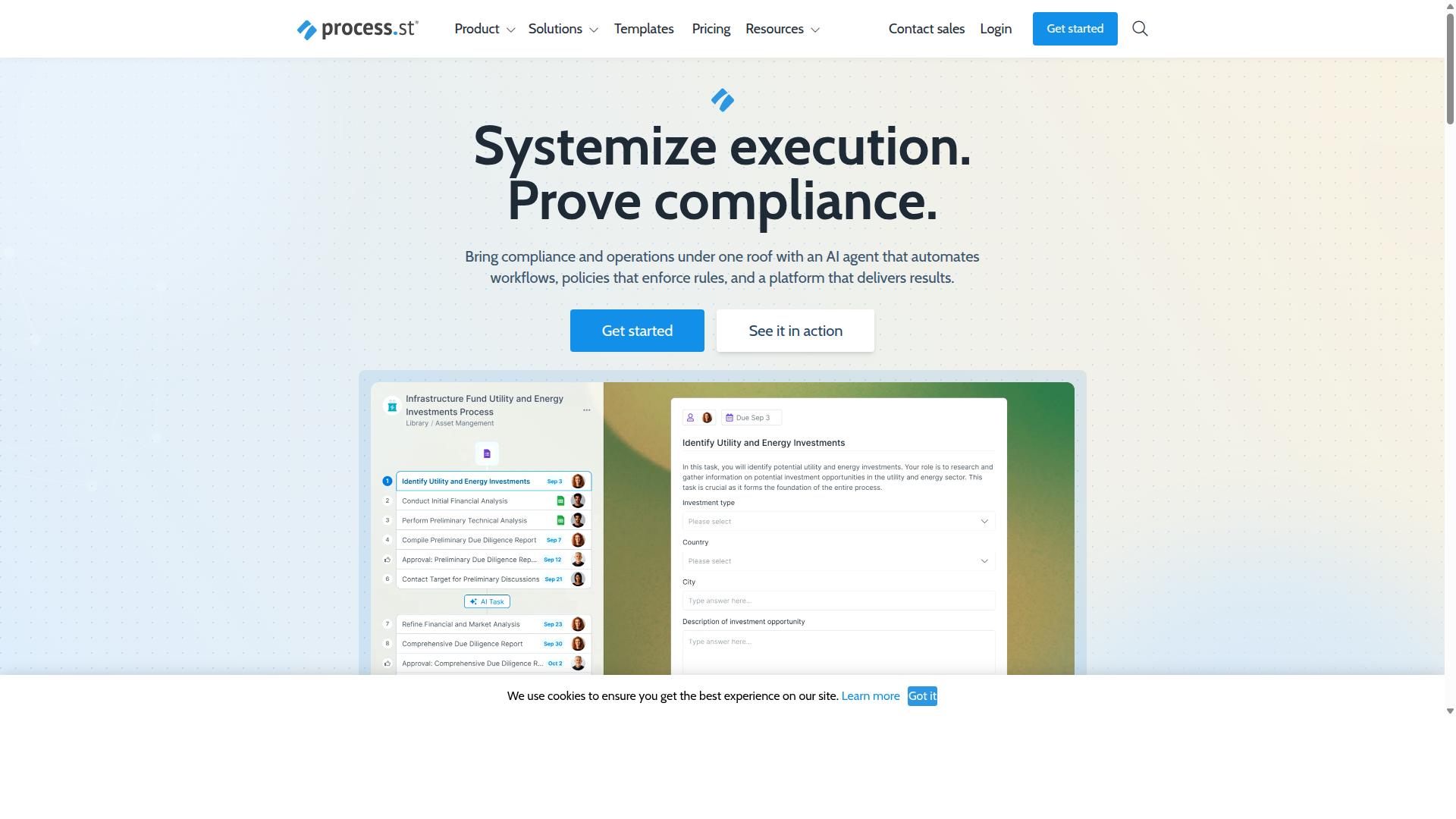
Process Street stands out as the leading workflow automation solution for compliance-focused organizations requiring audit-ready documentation.
The platform functions as a compliance operations system that automates business processes and enforces policies across multiple industries. Organizations use it to standardize operations while maintaining proof of compliance activities.
Process Street serves 3,000 plus companies and 1 million users who rely on its capabilities for operational consistency. The platform delivers audit-ready proof that meets regulatory requirements without additional manual documentation.
Core Workflow Automation Features
Process Street's core automation features include AI-powered workflow execution that converts static policies into active operational processes.
The Ops product transforms policies into AI-powered workflows through process orchestration capabilities. Task routing mechanisms direct work to appropriate team members based on defined conditions and requirements.
Trigger-based automation starts workflows automatically when specific events occur. Scheduled workflow options run processes at predetermined times without manual intervention.
Organizations have standardized onboarding for 49,000 plus employees through these automation features. The platform converts documented procedures into executable processes that teams follow consistently.
Customization and Integration Options
Process Street provides drag-and-drop workflow creation with API connectivity supporting 10 automation apps and 100 automation actions monthly on Startup plan.
The Docs product offers governance features for ISO 9001, SOC 2, SOX, and FDA compliance requirements. Organizations maintain policy control while automating the execution of documented procedures.
Integration capabilities connect with Zapier, Microsoft Power Automate, Tray.io, Make, and public API access. The visual workflow designer allows creation of customizable workflows without extensive technical expertise.
Users build conditional logic and branching workflows to handle different scenarios. Approval processes route tasks through appropriate channels based on organizational requirements.
Security and Compliance Standards
Process Street maintains SOC 2 Type II certification and ISO 27001 certification with data residency options across US, UK, Canada, EU, Australia, and UAE regions.
The platform meets HIPAA compliance standards with BAA available upon request. GDPR and CCPA compliance ensure data protection across different regulatory environments.
AWS CIS compliance adds another layer of security standards. Data never trains AI models, protecting sensitive organizational information from unintended use.
Audit-ready proof delivery mechanisms provide documentation required for regulatory examinations. Organizations receive verifiable records of process execution and compliance activities.
2. LogicGate Risk Cloud
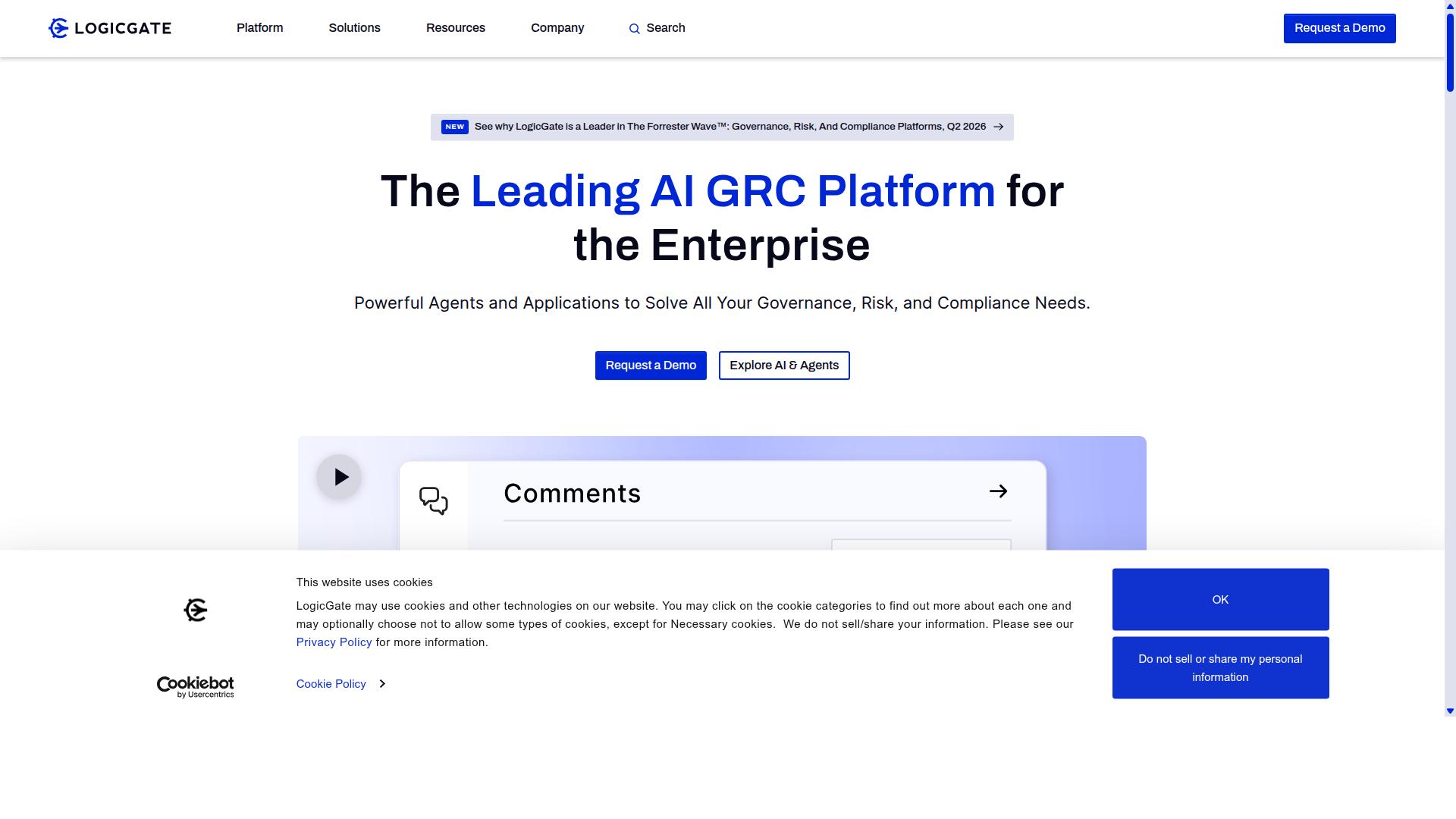
LogicGate Risk Cloud specializes in risk management workflows with compliance-focused automation capabilities. This platform targets organizations that need structured processes for handling regulatory requirements and internal controls. Risk professionals often choose this type of system when standard task automation does not address the complexity of audit trails and policy enforcement.
The platform supports organizations that need to manage multiple compliance frameworks simultaneously. Workflow automation in risk environments requires careful attention to documentation and approval chains. Teams can configure processes that adapt to changing regulatory landscapes without rebuilding entire systems from scratch.
Many enterprises use this solution when they need to demonstrate clear accountability across different business units. The focus remains on creating repeatable processes that satisfy both internal governance needs and external audit requirements.
Key Workflow Capabilities
LogicGate offers risk assessment workflows with conditional approval routing and automated risk scoring mechanisms. These features help teams handle complex evaluation processes that change based on specific criteria. Conditional logic allows different paths through approval stages depending on risk levels or business impact.
Organizations often need to track compliance status across multiple regulations at once. Automation tools can flag when documents require updates or when assessment deadlines approach. Real-time monitoring helps teams identify gaps before they become audit findings.
The system supports automated notifications that keep stakeholders informed throughout each process. Task routing ensures the right people review the right items at each stage. This approach reduces delays that commonly occur when manual handoffs depend on individual memory or availability.
Customization and Integration Options
LogicGate provides workflow customization through visual builders with API integrations for enterprise risk management systems. Visual workflow designers let teams map out processes without extensive coding requirements. This approach makes it easier for risk managers to participate directly in process design.
Many organizations already maintain systems for financial reporting, human resources, and other business functions. Integration capabilities allow risk workflows to pull data from these existing platforms. API connectivity helps maintain consistency across different business applications.
Third-party integrations often include connections to document management systems and notification services. Teams can configure these connections to match their current technology stack. This flexibility supports gradual adoption rather than requiring complete system replacement.
3. Onspring
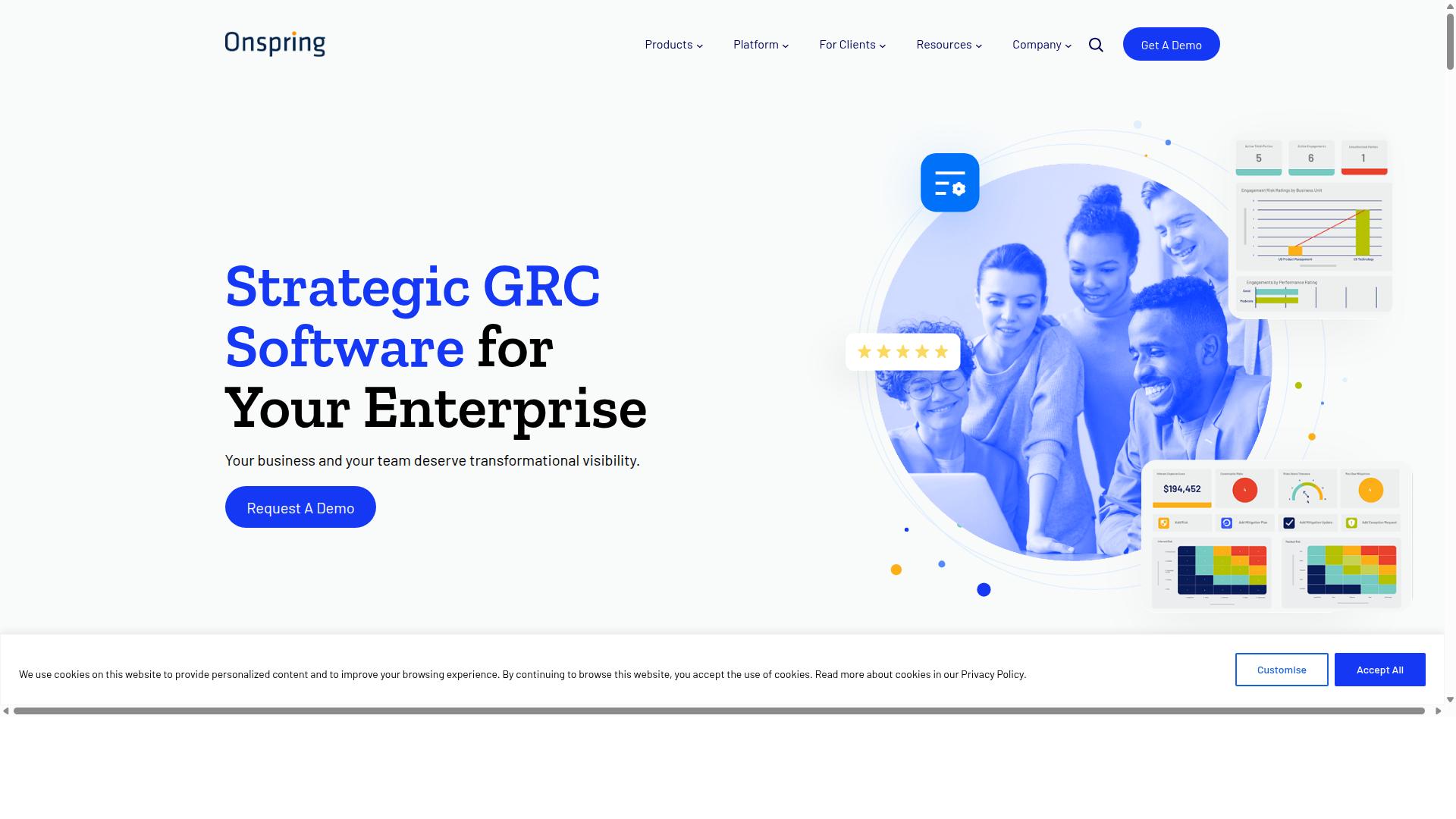
Onspring delivers configurable workflow automation designed for governance, risk, and compliance management.
Organizations handling complex regulatory requirements often need systems that adapt to changing compliance standards. The platform supports these needs through structured processes that maintain consistency across departments.
Enterprise teams benefit from centralized control that tracks activities while maintaining audit trails. This approach reduces manual oversight while ensuring documentation standards remain intact throughout each workflow cycle.
Companies managing multiple compliance frameworks find value in unified platforms that handle various regulatory demands simultaneously. The system accommodates different reporting structures without requiring separate tools for each requirement.
Key Workflow Capabilities
Onspring offers GRC workflow automation with configurable approval chains and automated compliance monitoring.
Compliance monitoring automation allows teams to track regulatory deadlines and documentation requirements systematically. This reduces the risk of missed submissions while maintaining consistent record-keeping across all active processes.
Configurable approval processes enable organizations to define routing rules based on risk levels and department requirements. Different thresholds trigger appropriate review levels without manual intervention for routine cases.
Automated reporting features compile compliance data into standardized formats for regulatory submissions. These capabilities support both scheduled reports and ad-hoc requests from auditors or management teams.
Task assignment follows predefined criteria that match personnel expertise with specific compliance activities. This ensures qualified individuals handle each requirement while maintaining clear accountability throughout the process.
Customization and Integration Options
Onspring provides workflow customization through low-code interfaces with enterprise system integrations.
Low-code development environments allow organizations to modify existing processes without extensive technical programming knowledge. Teams can adjust approval thresholds, add new data fields, or create additional checkpoints as requirements evolve.
Enterprise system integrations connect compliance workflows with existing financial systems, human resources platforms, and document management repositories. This reduces duplicate data entry while maintaining data consistency across all connected applications.
Custom field creation supports organization-specific requirements that standard templates cannot accommodate. These adaptations maintain flexibility without disrupting established compliance procedures or audit trail integrity.
Role-based access controls ensure appropriate personnel can view and modify only relevant workflow components. This maintains security standards while enabling efficient collaboration among compliance, legal, and operational teams.
How to Choose the Right Option
Selection criteria should align with specific operational requirements across compliance, automation complexity, and integration needs. Teams must evaluate how each automation tool matches their industry demands and process requirements. The right choice depends on matching platform capabilities with operational constraints.
Industry compliance requirements differ significantly between sectors. Financial services and healthcare organizations need strict audit trails and regulatory controls. Manufacturing and real estate companies focus on quality tracking and document control processes.
Teams should consider their automation complexity needs when comparing options. Customer management workflows might require simple task routing and approval processes. IT and security teams often need conditional logic and branching workflows for incident response procedures.
Integration capabilities play a vital role in successful process automation. Third-party integrations connect workflow automation tools with existing business systems. API connectivity enables data flow between different platforms without manual intervention.
Consider your team's technical expertise when selecting from available automation tools. No-code platforms allow business users to create workflows without programming knowledge. Low-code development options provide more advanced customization for teams with technical resources.
Process Street serves teams across Operations, Customer management, Compliance, Human resources, Finance, and IT and security departments. The platform supports industries including Financial services, Real estate, Manufacturing, Healthcare, Professional services, Technology, Capital markets, and Property management through use cases such as Employee onboarding, Client onboarding, ISO compliance, Quality tracking, and Document control.
Evaluate how each tool handles your specific customizable workflows before making a decision. Workflow templates provide starting points for common business processes. Drag-and-drop interfaces enable teams to modify workflows without technical assistance.
Review the platform's ability to scale with your growing process automation needs. Enterprise automation features should support increasing workflow volume and complexity. Cloud-based automation ensures accessibility across distributed teams.
Monitor how well each option supports your reporting and oversight requirements. Analytics dashboards provide visibility into workflow performance and completion rates. Workflow monitoring helps identify bottlenecks and optimization opportunities across your processes.
Final Verdict
Process Street demonstrates superior compliance automation capabilities with proven metrics across 3,000+ companies and 1m+ users. This track record shows how the platform handles complex enterprise requirements while maintaining top-tier security standards.
The platform delivers measurable efficiency gains through 30% faster documentation and 75%+ reduction in setup time. Organizations can standardize processes quickly without sacrificing quality or compliance requirements.
SOC 2 Type II and ISO 27001 certifications ensure enterprise-grade data protection. Additional compliance standards include HIPAA, GDPR, CCPA, and AWS CIS requirements, providing comprehensive coverage for regulated industries.
Customer satisfaction remains exceptional with a 98% customer rating and 5 minutes average response time. This support quality enables teams to resolve issues rapidly and maintain workflow continuity.
49k+ employees have standardized their onboarding processes using the platform. This demonstrates scalability from individual teams to large enterprise deployments across multiple departments.
Data security protocols ensure information never trains AI models, addressing privacy concerns common in modern business environments. Organizations can implement process automation confidently knowing their data remains protected.