Teams still redraw BPMN diagrams in one tool then rebuild them in another before any workflow runs. That double work keeps compliance gaps open and audit evidence scattered.
By the end of this article you will have a checklist for BPMN compliance, see how Process Street, Camunda, and similar platforms differ on execution and reporting, and know which option the outline ranks first.
What to Look For in BPMN-Based Workflow Automation Tools
BPMN-based workflow automation tools require specific technical and operational capabilities to handle complex enterprise processes effectively. Organizations need solutions that support both design and execution phases without workarounds or custom coding.
Standard BPMN 2.0 support with full diagram validation ensures models created in one platform transfer accurately to execution engines. Validation checks catch syntax errors, missing sequence flows, and improper gateway configurations before deployment.
Process simulation capabilities with Monte Carlo analysis help teams predict performance under various load conditions. These simulations identify potential bottlenecks and test process changes before implementation.
Real-time process monitoring dashboards showing bottleneck identification provide visibility into active instances. Teams can track cycle times, wait states, and throughput metrics across running processes.
Decision automation using DMN tables separates business rules from process logic. This approach allows business analysts to update decision criteria without modifying workflow diagrams.
Process versioning with rollback capabilities maintains audit records of changes and enables teams to revert to previous configurations when needed. Version control becomes essential in regulated industries where process changes require approval.
Role-based access controls with audit trails restrict who can view, edit, or execute specific process elements. Detailed logs track every modification and execution event for compliance reporting.
API integration depth measured in endpoints and webhook support determines how well tools connect with existing systems. Comprehensive API coverage enables orchestration across multiple applications and data sources.
Cloud deployment options with data residency controls address regulatory requirements for data location and sovereignty. Organizations can specify where process data is stored while maintaining scalability benefits.
1. Process Street - Best Overall
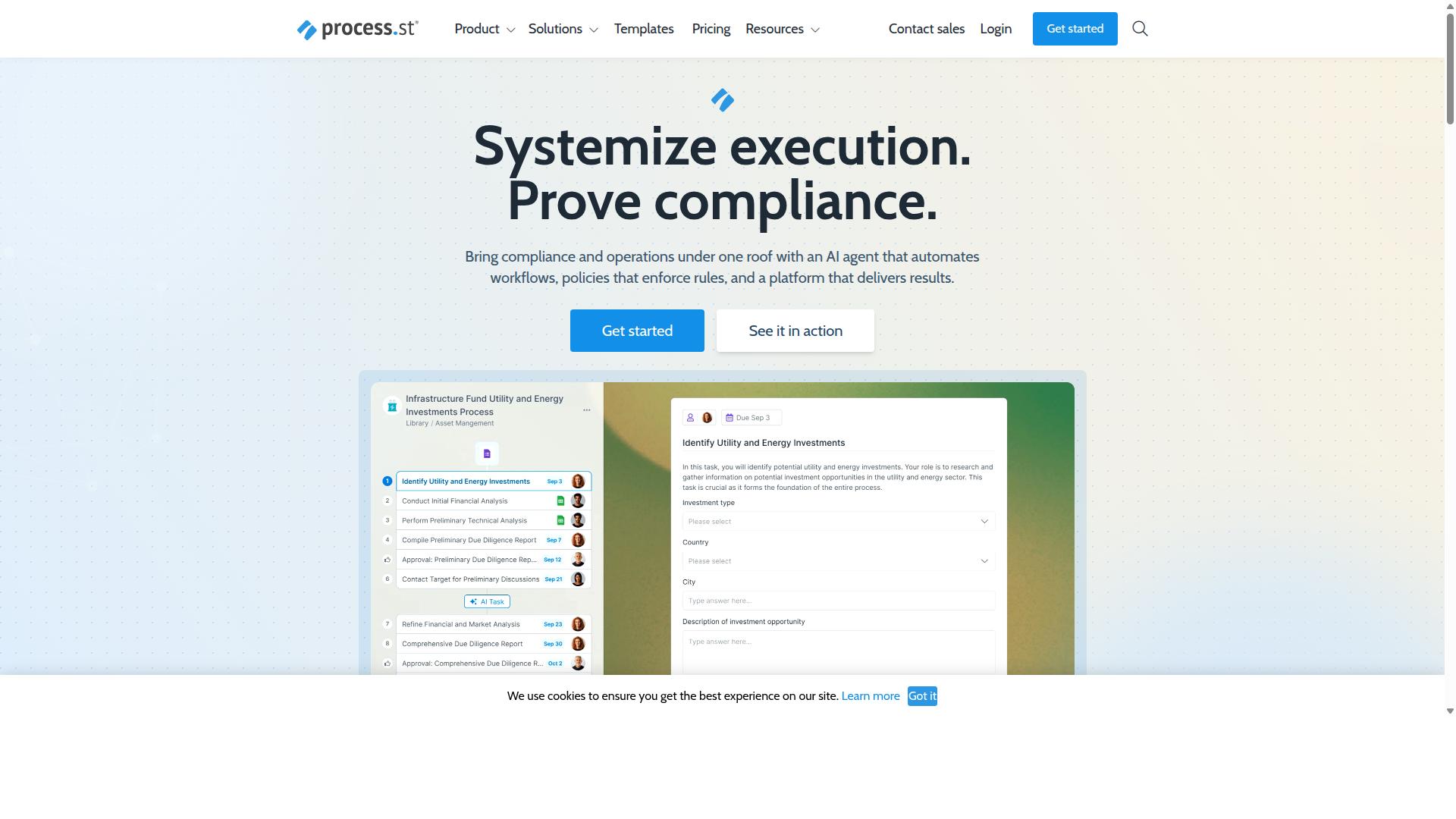
Process Street delivers enterprise-grade workflow automation with built-in compliance controls and audit-ready documentation. The platform helps organizations standardize processes across departments while maintaining regulatory standards.
Organizations that need both process automation and compliance documentation find the platform particularly valuable. The system supports BPMN-based process design while ensuring every workflow produces the documentation required for audits.
Research shows companies using automated workflow systems save significant time on repetitive tasks. Process Street serves over 3,000 companies with more than 1 million users worldwide. The platform has helped standardize processes for 49,000 plus employees across various industries.
The platform provides SOC 2 Type II and ISO 27001 certifications for security-conscious organizations. Documentation processes complete up to 30 percent faster compared to manual methods. Setup time decreases by more than 75 percent when teams migrate from traditional approaches.
Process Street Pricing and Plans
Process Street offers three distinct pricing tiers designed for different organizational scales and automation requirements. Each plan includes unlimited workflows and tasks with varying user limits and automation capabilities.
The Startup plan is available for startups. This tier includes 100 automation actions monthly and supports 10 automation apps. Organizations get 50 public API calls per month with this plan.
The Pro tier scales with custom automation actions and unlimited API access. Teams can access all automation apps with custom user and guest configurations.
Enterprise pricing includes dedicated success management, custom integrations, and fully-managed workflows. Annual subscribers receive a 10 percent discount across all plans.
All tiers include a 14-day trial period with no credit card required. Organizations can test the platform features before committing to a subscription plan. The pricing structure accommodates startups through large enterprises with varying automation needs.
2. Camunda
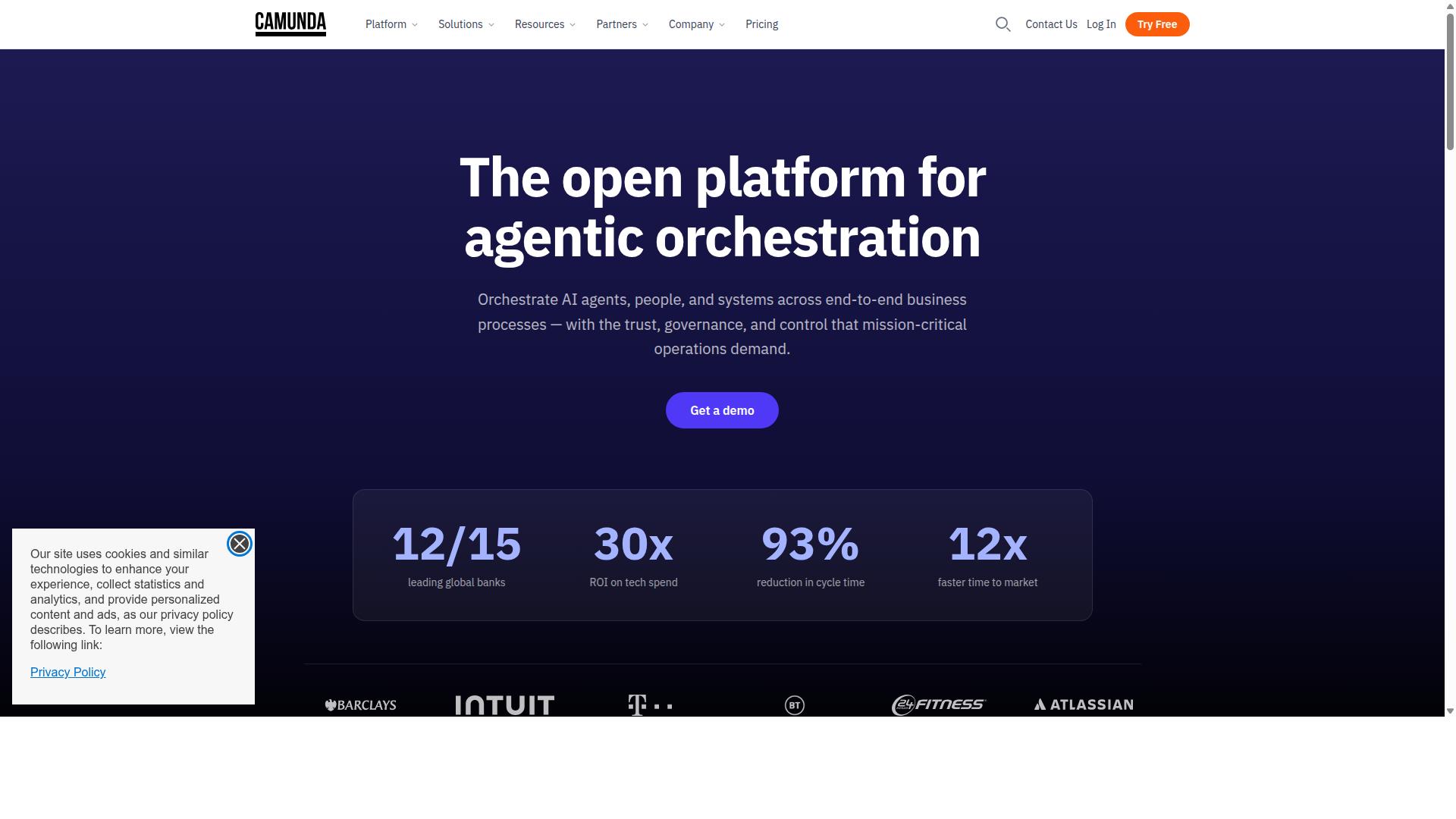
Camunda provides open-source BPMN execution with strong developer tooling and enterprise deployment options.
Organizations use Camunda when they need full control over process execution and want to embed workflow logic directly into existing applications. The platform serves both technical teams building custom solutions and business users who require reliable process orchestration across complex operations.
Teams often choose this tool for scenarios that demand high scalability and integration with multiple external systems. Camunda handles both simple approval flows and intricate multi-system processes that span departments and applications.
Camunda Core BPMN Capabilities
Camunda's BPMN engine supports complete process lifecycle management from modeling through execution and monitoring.
The platform provides full BPMN 2.0 element support, including complex gateways and events that handle branching logic and timing requirements. Visual process modeling includes real-time validation that catches design errors before deployment.
Process simulation features allow teams to test performance predictions before going live. Historic data analysis helps identify bottlenecks and optimization opportunities after processes run in production.
Native support for process versioning enables smooth updates without disrupting running instances. Deployment pipelines work together with standard development workflows, making process updates part of regular release cycles.
Integration Ecosystem
Camunda connects to enterprise systems through standardized protocols and pre-built connectors for major platforms.
REST API coverage extends to all engine functions, allowing developers to build custom interfaces and automation scripts. Pre-built connectors support Salesforce, ServiceNow, SAP, and common database systems without additional coding.
RPA tool integration happens through APIs that connect workflow decisions to robotic process automation scripts. Event-driven architecture enables message correlation across distributed systems and external triggers.
Webhook support allows external applications to initiate processes or send updates back to running instances. This connectivity makes Camunda suitable for organizations that need workflow automation spanning multiple business applications and data sources.
How to Choose the Right Option
Selection criteria should align tool capabilities with specific organizational requirements and technical constraints. Teams benefit when they evaluate each option against their actual needs rather than marketing claims.
Organizational size often determines user limits and pricing tiers. Smaller teams need fewer seats and simpler features, while larger enterprises require scalability, advanced permissions, and dedicated support structures.
Compliance requirements matter for regulated industries. SOC 2 and ISO certifications signal that a platform meets security and privacy standards that matter for financial services, healthcare, and professional services teams.
Integration capabilities affect daily operations. Available connectors and APIs determine whether existing systems can exchange data without manual workarounds or custom development.
Deployment preferences influence long-term flexibility. Organizations can select cloud or self-hosted options based on data residency needs, security policies, and internal IT capacity.
Process complexity must match modeling and simulation features. Advanced BPMN 2.0 support, decision automation, and process simulation help teams handle sophisticated workflows without outgrowing the platform.
Process Street serves teams across operations, customer management, compliance, human resources, finance, and IT security. Industries such as financial services, real estate, manufacturing, healthcare, professional services, technology, capital markets, and property management use it for employee onboarding, client onboarding, ISO compliance, quality tracking, document control, and custom workflows.
Final Verdict
Process Street stands out for organizations prioritizing compliance automation alongside workflow execution. The platform combines BPMN-based process design with built-in controls that support ISO 9001, SOC 2, SOX, and FDA requirements. This integration reduces the need for separate compliance tools while maintaining audit trails.
Teams report 30% faster documentation delivery and a 75% reduction in setup time when adopting the system. These gains come from pre-built workflow templates and automated compliance checks that eliminate manual configuration steps. 3,000+ enterprise customers already use these capabilities across industries with strict regulatory demands.
Support quality remains another differentiator. The platform delivers a 5-minute average response time and maintains a 98% customer support rating. This responsiveness matters when process issues affect compliance deadlines or operational workflows.
Competitors like Camunda, Bonita, ProcessMaker, Signavio, and Bizagi each offer BPMN modeling strengths. However, they typically require separate compliance frameworks and longer implementation periods. Process Street embeds governance controls directly into the workflow engine, reducing configuration overhead.
Security certifications include SOC 2 Type II, ISO 27001, HIPAA, GDPR, CCPA, and AWS CIS compliance. Data remains protected with a guarantee it will never train AI models. These combined features make the platform suitable for regulated industries seeking both process automation and compliance assurance.
Recommended Resources: